



Discover how AKSSAI’s Bharat Connect can help your business accept payments, improve operational efficiency, and stay compliant with India’s digital payment ecosystem.
Bharat Connect for Business plug-in provides comprehensive reports for both suppliers and buyers, helping businesses track their transactions efficiently.
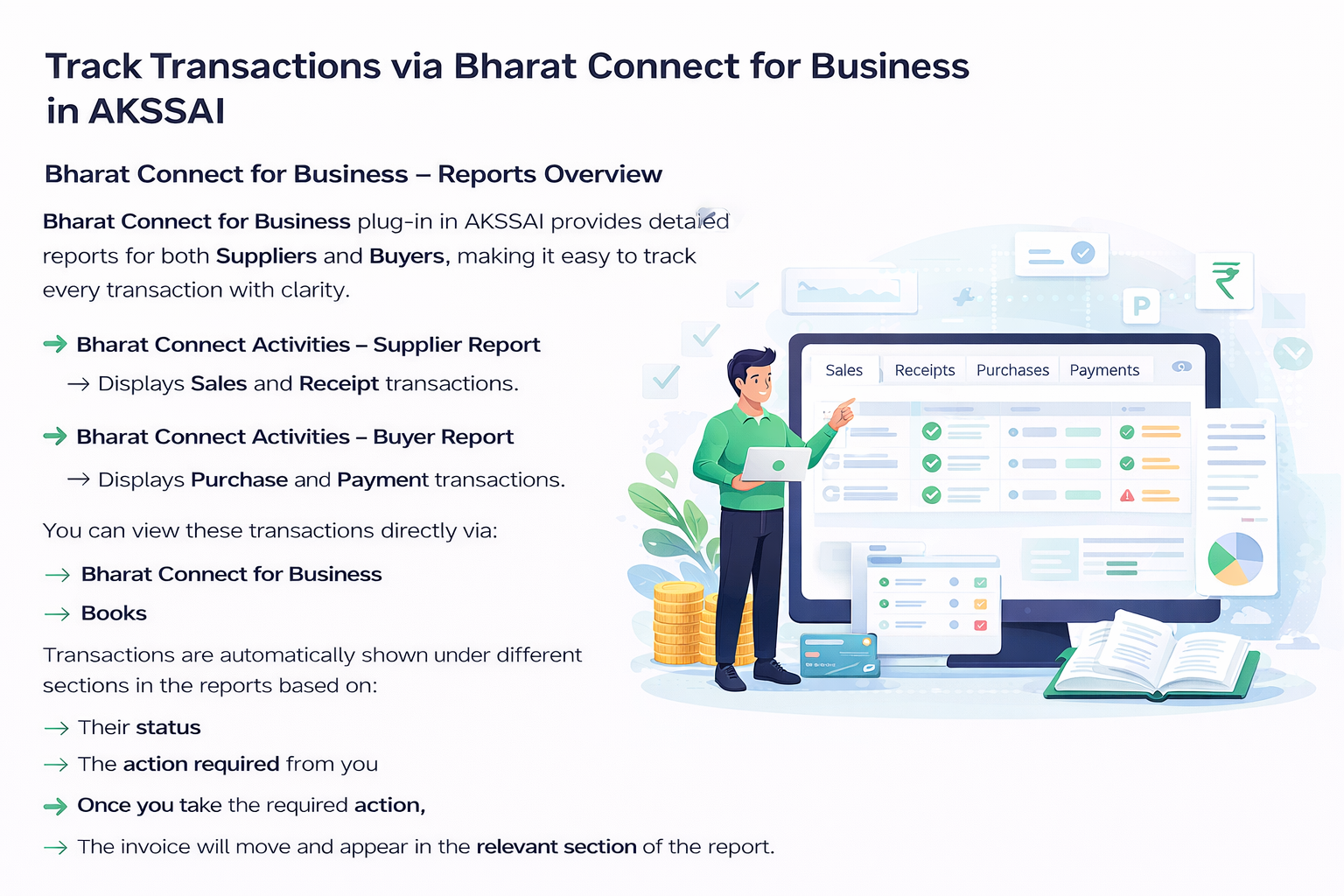
Bharat Connect Activities – Supplier Report shows all Sales and Receipt transactions generated through the platform.
Bharat Connect Activities – Buyer Report displays Purchase and Payment transactions for better visibility and reconciliation.
You can view and manage these transactions via Bharat Connect for Business as well as directly within books.
Transactions appear under different sections in the reports based on their current status and the action required from you. Once the necessary action is taken, the invoice will automatically move to the relevant section in the report.
To use Bharat Connect for Business, simply configure and enable the Bharat Connect for Business plug-in using your FINAC admin credentials. Once configured, both admin and non-admin users can access the plug-in.
The admin can create users with access to Bharat Connect for Business or directly approve access requests from the portal.
Register your GSTIN :
After OTP verification (sent to the mobile number linked with GSTN), you will receive a unique B2B ID for each GSTIN.
The FINAC admin user gets automatic access, and additional users can be added later. You can deactivate or activate any linked GSTIN or UIN at any time.
Once set up, users can log in to the plug-in perform transactions for the accessible GSTIN in FINAC and log out at any time. Each session remains active for 24 hours or until you log out.
With your B2B ID, you can seamlessly carry out transactions and access Bharat Connect for Business with FINAC AKSSAI services directly through FINAC.
➜ After you register your GSTIN,
Search for the B2B IDs of your parties who are already registered on the Bharat Connect for Business platform and update their B2B IDs.
If your party is not registered on Bharat Connect for Business, you can send an invite to join Bharat Connect for Business.
➜ As a supplier, you can:
Create and send sales invoices to your buyers via Bharat Connect for Business.
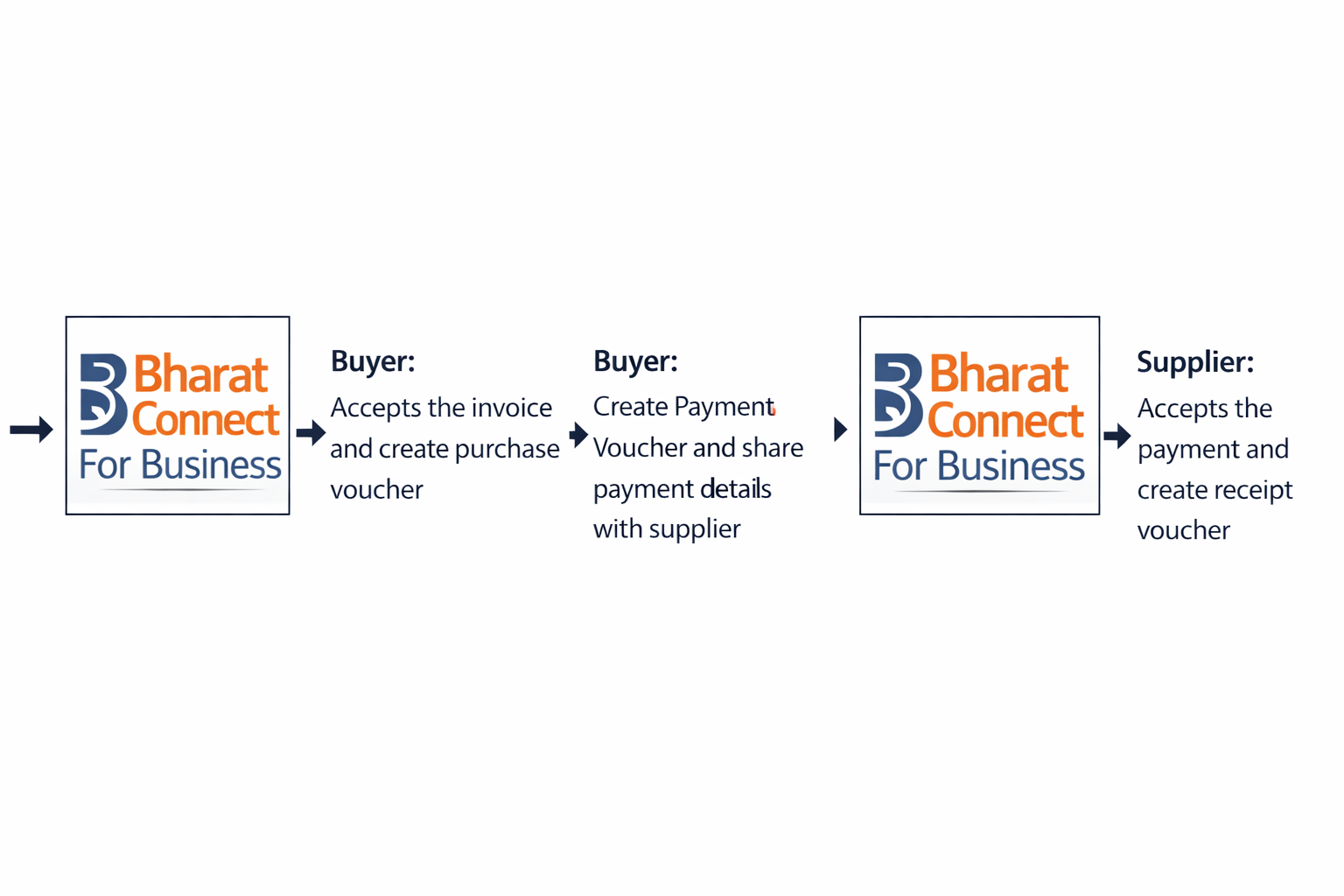
Once you receive the buyer’s payment details via the Bharat Connect for Business platform, create receipt voucher and accept the payment details.
➜ As a buyer, you can:
Receive supplier invoices via Bharat Connect for Business, create purchase vouchers with auto-filled details and accept the invoice. You may accept the invoice first and then create a purchase voucher.
Create payment voucher and send the payment details through Bharat Connect for Business after accepting the invoice.
You can partially or fully reject a sales voucher and make partial payments. In case the supplier rejects your payment details, it can be updated in your books.
Talk to an Expert

Efficient accounting and payroll consultation tailored to meet your business needs.
Specialized tax advice for complex financial situations and investments.
Personalized solutions to address legal challenges effectively resulting in client satisfaction.
Get your travel booking, report expenses faster, and control costs effectively with FINAC Expense.
Customized advisory services for strategic planning and business growth.
End-to-end recruitment services to meet your office workforce requirements.